Friday, November 1, 2019

What to Do if You're Not Seeing Your Apple TV+ 1-Year Free Trial Offer

What to Do if You're Not Seeing Your Apple TV+ 1-Year Free Trial Offer

Apple TV+ officially launched on November 1, and anyone who purchased an iPhone, iPad, ‌Apple TV‌, iPod touch, or Mac after September 10 can get a year's subscription to it for free.


The free one-year trial can be activated in the ‌Apple TV‌ app at launch on any qualifying Apple device. However, we've heard reports that some iPhone 11 owners aren't seeing the trial they're entitled to in the TV app.

If the trial isn't showing up for you on your device, here's a solution that appears to be working for many people.


Open a desktop web browser, go to https://tv.apple.com and log in using your Apple ID credentials. You should be able to accept the 1-year free trial offer from there. Then on your iPhone, sign out of the TV app, close it, then launch the app and sign in again.

Your one-year free ‌Apple TV‌+ trial should hopefully now be active.

1-Year Subscription to ‌Apple TV‌+ Offers Savings


Also today, Apple quietly added a one-year plan to its subscription options for the video streaming service.
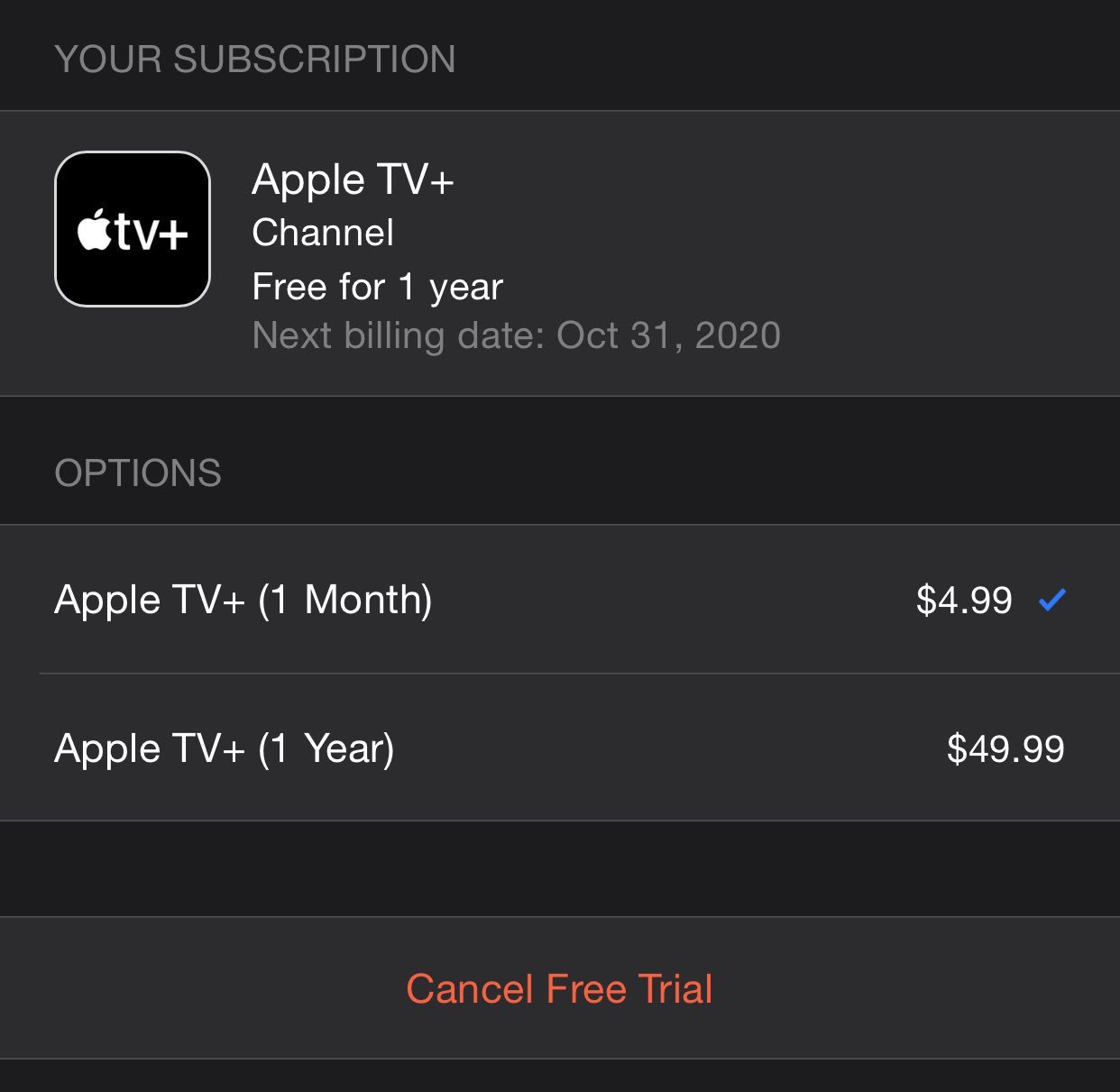
subscriptions
A one-year ‌Apple TV‌+ subscription offers a $9.89 annual saving over the $4.99 monthly plan (around a 15 percent discount). Users can select it without affecting their free one year trial by going to the Account section of the TV app: Manage Subscriptions -> ‌Apple TV‌+.

(Thanks, orbitalpunk!)

Monday, December 10, 2018

10 Holiday Gift Ideas Under $50

This year, we're bringing you 10 Holiday Gift Ideas, all under $50!

Everyone is sure to love these great Tech Gifts and you're going to love the price! There's something for everyone!


Logitech G203 Prodigy Gaming Mouse 1. Logitech G203 Prodigy Gaming Mouse - $48.95
KALIBER GAMING HVER RGB GAMING  2. Kaliber HVER Aluminum  Gaming Keyboard - $49.95
Gaming Headset 3. Roccat Aluma Premium Performance In-ear Headset - $26.95

Hesh 2.0 Headphones with Mic (Black) 4. Skullcandy Hesh 2.0 Wired Headphones - $38.95
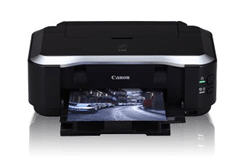
Canon PIXMA MG3620 Inkjet Multifunction Printer - Color - Photo Print - Desktop 5. Canon PIXMA MG3620 Inkjet Multifunction Printer - $36.95
Echo Dot (3rd Generation) Smart Speaker - Wireless Speaker - Charcoal 6. Amazon Echo Dot (3rd gen.) Wireless Speaker - $ 49.99
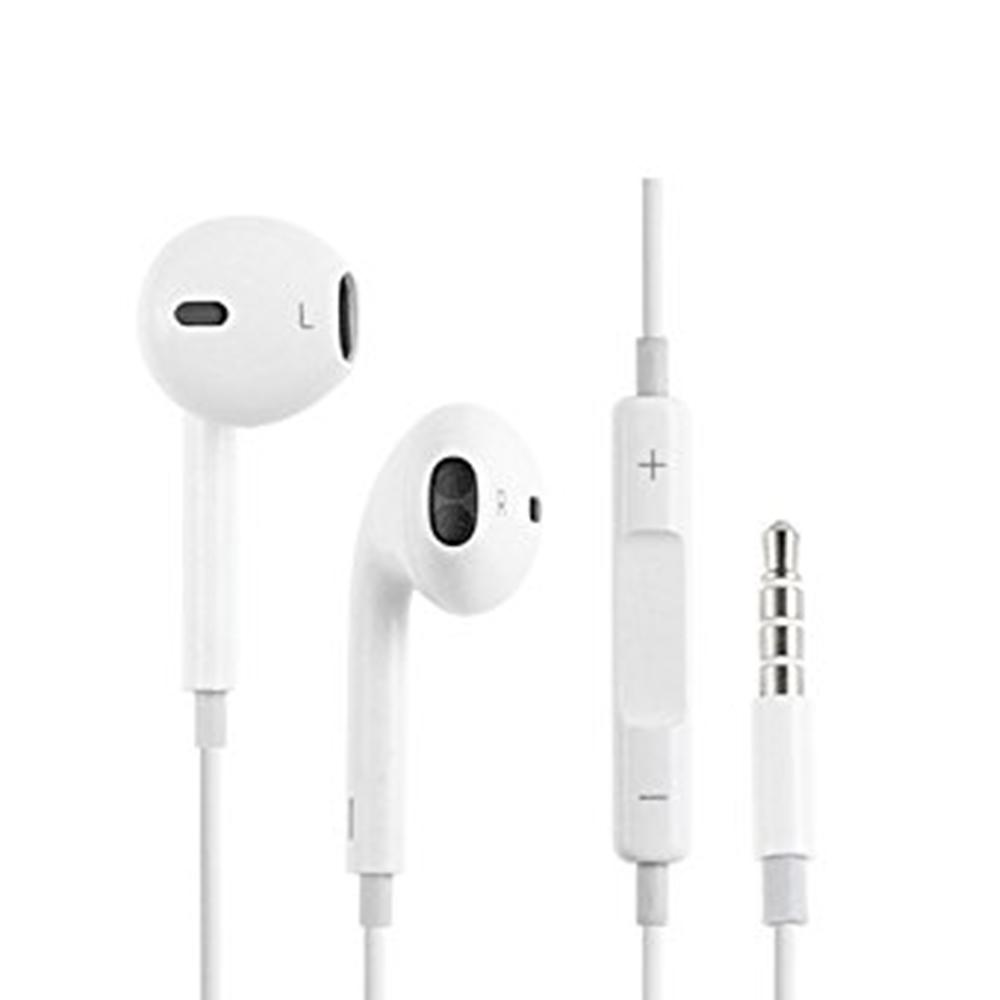
7. Apple Earpods 3.5mm Headset - $29.00
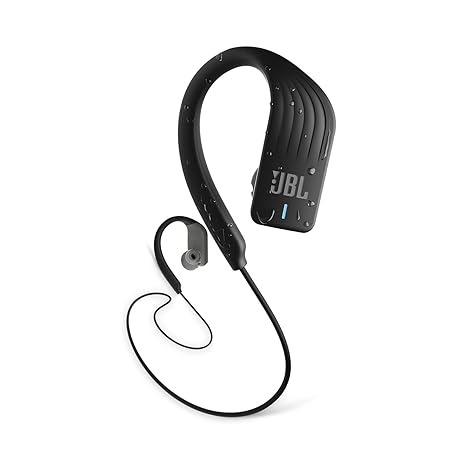
Image result for jbl endurance sprint 8. JBL Endurance Sprint Bluetooth Headset - $49.95
A250 2.1 Speaker System (Black) 9. Creative A250 2.1 Speaker System - $27.95
SteelSeries Nimbus Wireless Controller (Wireless - Bluetooth - iPhone, iPad mini, iPad, iPod touch, Mac, Apple TV, iPad Pro - Black) 10. Steelseries NIMBUS Wireless Game Controller - $49.99

Check out more Holiday Gift Ideas at the UTD Tech Store inside the Visitor Center Building or shop online at: www.utdtechstore.com

Tuesday, May 22, 2018

Move Your OneDrive Folder

Ever want to change the location of your Microsoft OneDrive folder? 

We'll show you how!

  1. Right click the OneDrive taskbar icon and select Settings.
    1. select settings 
  2. Click the Unlink OneDrive button under the Account tab. A login screen appears, but you should ignore it for now.
    1. click Unlink OneDrive 
  3. Launch File Explorer.
    1. launch file explorer 
  4. Navigate to and select the OneDrive folder. Unless you moved it previously, it is probably directly under your C:\Users\[your username]\ (ex: C:\Users\Avram) folder. You can get there either by clicking through your C drive or entering the folder name in your address bar.
    1. select OneDrive 
  5.  Click the Move to button on the Home tab.
    1. select Move to 
  6. Select Choose location.
    1. click Move 
  7. Select the new location and click Move. If you're moving the folder to another drive, select the drive letter.
    1. click Move 
    2. Depending on the amount of data in your OneDrive folder, it can take several minutes to complete. Wait for the transfer to complete before proceeding to the next step.
  8.  Enter your email address into the OneDrive app window.
    1. sign in 
  9. Select Personal of Work of School (depending on which type of account you have) if prompted to decide why you're signing in.
    1. select Personal 
  10.  Enter your password and click Sign in.
    1. Sign in 
  11. Click "Change location."
    1. change location 
  12. Navigate to the location where you moved the OneDrive folder and click Select Folder.
    1. select folder 
  13. Click Use this location.
    1. Click use this location 
  14. Click Next in the OneDrive window.
    1. click Next 
  15. Select which folders to sync (or sync all) and click Next.
    1. click Next 
  16. Click Open my OneDrive folder or close the window.
    1. Open my onedrive folder 

Congratulations! You have successfully moved your Microsoft OneDrive folder!

Tuesday, November 28, 2017

Our Holiday Gift Guide is here!

Here is our 2017 Holiday Gift Guide! This year's most popular tech right hear on campus! And don't forget, you get an academic price on everything in store!


$949.95-$2199.95

This is the ultimate in portability, but still the full power of a laptop. Tablet, studio, and laptop all in one!


$159.99

The new iPhone 8, 8 Plus, and iPhone X are out. So give your loved one the perfect accessory. The Apple Airpods pair with anything Bluetooth and provide excellent sound quality in a small, comfortable design.


$49.99-62.95

Game on! Connect to any laptop, desktop, or even AppleTV! This Bluetooth game controller lets you get the most out of any game!


$169.95

Whether it’s gaming or an important conference call, get lag-free wireless sound with the most comfortable headphones you will ever wear!


$879.99

This year’s hottest laptop! The all-new gaming laptop from Dell. Packs power and portability in one beautiful design.


$599-$1079

Make beautiful artwork and get your school work done with the power of iPad Pro! Smaller and lighter, but still large enough to do anything. The Apple iPad Pro 10.5-inch is ideal.


$101.95

Give your gamer the tools to win! This gaming bundle includes, gaming keyboard, mouse, and headphones to do it all.


This year's biggest hit is definitely the all new Apple Watch Series 3. Available with GPS and can store up to 250 songs, the Apple Watch Series 3 is what everyone wants this year!

Friday, July 7, 2017

20 Back-To-School Tech Essentials For 2017

The Best Tech For Back-To-School

It's time to get ready for the Fall Semester. Move-in is right around the corner, and everyone is preparing to go back to school. Whether its new classes, a new dorm, or a new apartment, we've compiled a list of the best tech gear you'll need to succeed this year!


       1.     Dell Inspiron 15 7000
           $879.99
        

The Dell Inspiron 15 7000 is a GAME CHANGER! This is Dell's most popular Gaming Laptop! With fast processors, lots of RAM, and speedy graphics, you can not only get your work done, you can enjoy yourself too!

      2.      MacBook Pro 13-Inch

The Apple® MacBook Pro 13-inch has style and power! Plus, the new TouchBar® will make getting your work done a lot faster! Available in the traditional Silver and the new Space Gray. There's sure to be a MacBook for everyone.

       3.     Apple Airpods


Apple's latest headphones are simple, elegant, and AWESOME! The new Apple® Airpods offer bluetooth simplicity as well as great sound quality. Whether you are listening to a lecture and jamming out to some beats, the new Apple® Airpods are a must have!


       4.     UTD Under Armour Hustle II                 BackPack
       $59.99

Show your Comet pride and get to class with this all new UTD Under Armour backpack! Made to protect all your tech gear and carry school supplies comfortably.  The UA Hustle II is the preferred backpack at UTD

       5.     Safeware Protection Plan


Fire, theft, accidental damage, as well as manufacturer defect. The Safeware Protection Plan isn't a warranty. It's peace of mind. No matter what happens, be prepared. Purchase a Safeware Protection Plan with all new devices!

      6.     Apple Watch Series 2


Apple's newest watch is the Apple® Watch Series 2. Lots of improvements. And stylish too. But more importantly, it'll keep you on track with school and with your heath!

      7.     PureGear Backup Battery/Charger
       $24.99

Always be ready. Between SnapChat, PokémonGo, and homework, you’re sure to need to backup power! The PureGear BackUp charges comes in 5000mAh and 10,400mAh which will definitely be enough to get you through anything!


       8.     TI-30Xa Scientific Calculator


No one likes to take a math class. But when you do, you’ll need the right calculator. The Texas Instruments TI-30Xa is right for any situation.

       9.     Kingston 8GB Flash Drive

Homework. You’re going to have to do it! And that means turning it in on a flash drive these days. But  these things are super handy for sharing large files and working on group projects too!

       10.  Apple iPad Pro 10.5-Inch

Apple’s all new iPad Pro is now available in a larger, more manageable, 10.5 inch screen size. Not everyone needs the full 12.9-inch iPad Pro. So, the new 10.5-inch iPad Pro is ideal for artists and for taking notes. Plus, a whole lot more.  You might even replace your laptop with it!

 And don’t forget the new Apple Pencil!


       11. iLuv Aud Click Party Bluetooth                  Speaker
       $49.99

Keep the party going wherever you are! The iLuv Bluetooth speaker with party lights is sure to keep your jams going strong!

       12. Kaspersky AntiVirus

Because you rely on your PC for so many things, Kaspersky Anti-Virus helps you to protect your PC – and everything that you store on it – against viruses, Trojans, spyware and more. Our award-winning, cloud-assisted security technologies make it easier for you to defend your PC from the very latest threats… and all without slowing you down..


       13.  iLuv Rainbow 7 Bluetooth                        Lightbulb
        $19.99

Light up your life! The Rainbow7 by iLuv - Smart Bluetooth® Multicolor Dimmable LED Light Bulb with scheduling and grouping through free app is sure to brighten up your dorm or apartment.


One of our most popular accessories, the Logitech M325 Wireless Mouse is portable, light, and easy to use. Plug & Play makes it a great accessory to get your work done!

       15.  Tripp Lite 6-socket Surge Protector
       $13.99

The Tripp Lite surge protector will guarantee have enough outlets to charge all your devices. Space is limited in the dorms. So, get a surge protector and keep those devices safe.


Print, copy, scan. This printer does everything you need, and at an academic discount.
 Don’t forget extra ink and paper!

       17.  PureGear USB Wall Charger
        $15.99


Never lose power! Get this handy and reliable wall charger for all your portable devices. Fast charging and stylish!

       18.  PureGear Car Charger with Built-         in Lightning Cable
       $15.99

Charging on the go! Right from your car. No extra cable to forget back in your dorm! This one is built right in! Just leave it and forget it!

       19.  Seagate 1TB Backup Plus                       Portable Hard Drive
       $67.99

Always have a backup plan! Never lose your data with the Seagate Backup Plus. Plus… a free carrying case!

       20.  Case Logic Laptop Sleeve

Protect your investment. Get a neoprene sleeve for your laptop. Better safe than sorry!